← Back to Kraemon

Insights

Am I actually learning?

The Insights screen answers the one question every student is really asking. It turns your revision history into four honest, at-a-glance readings — so you can see what's sticking, what's slipping, and where to put tomorrow's effort. No new quizzes, no extra work: everything is drawn from the sessions you've already done.

Four readings, one honest picture

Coverage tells you how much you've touched. Insights tells you how well it's actually landing — the difference between "I've seen this" and "I'll remember this in the exam".

Each section is banded and colour-coded so a 14–16 year-old reads it in a second, then taps to drill in. Nothing here is a vanity metric — it's the signal you need to decide what to do next.

  • Target vs Mock — your latest mock result against the grade you're aiming for
  • Focus Balance — which subjects are fresh and which are going quiet
  • Retention Strength — how well each subject is sticking in memory
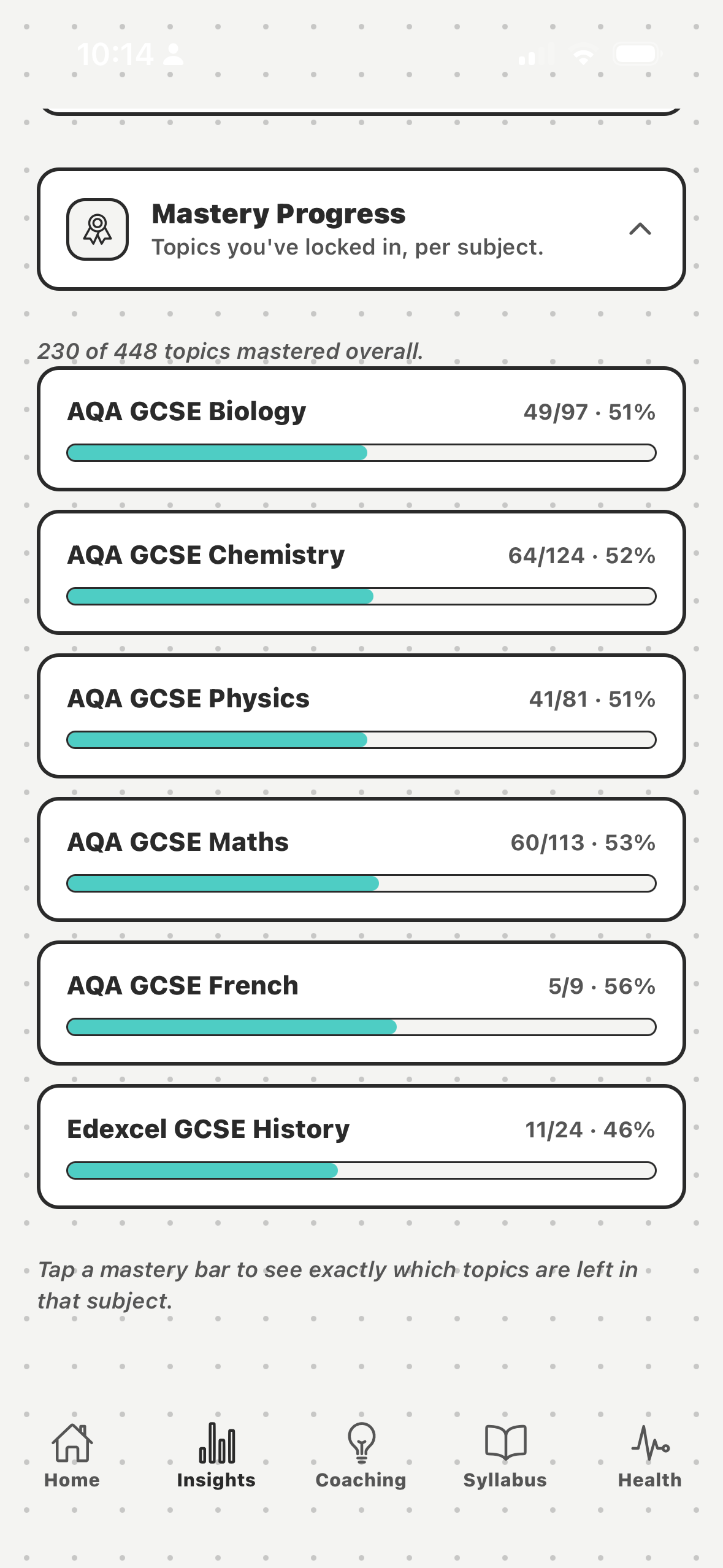
  • Mastery Progress — the topics you've truly locked in, per subject
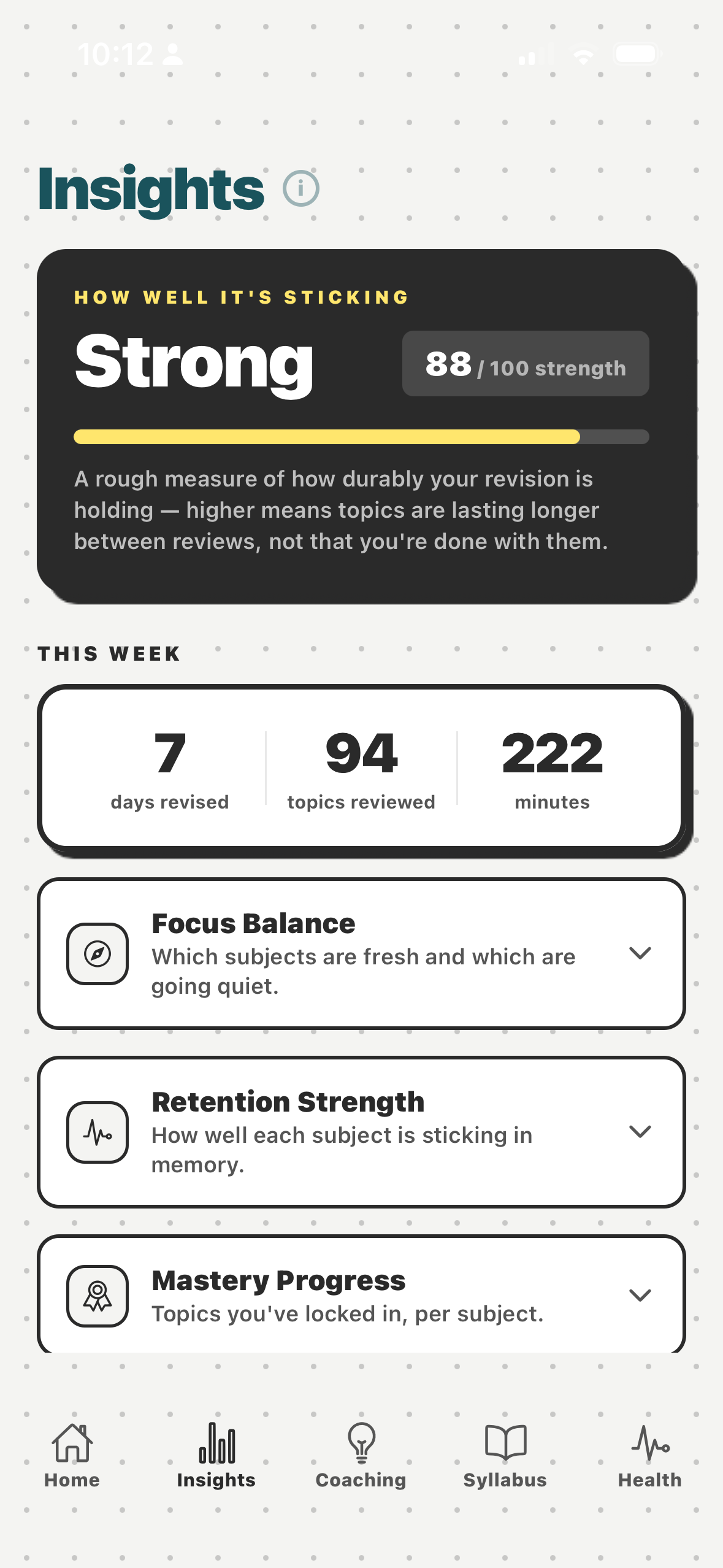
Kraemon insights screen

Built from data you already created

Every reading on the Insights screen comes from sessions you've already done — your recall ratings, the FSRS retention model, your mocks and your exam dates. There's no separate test to sit and nothing new to set up.

Retention Strength uses the same FSRS-5 stability that schedules your reviews, so the number you see is the same one the algorithm trusts. Mastery Progress uses the exact threshold as the Coverage screen — so the figures never disagree across the app.

  • Zero extra input — derived entirely from your real revision history
  • Retention banded so it's readable at a glance, then drillable
  • Mastery matches the Coverage screen, mock data matches your timetable
  • Appears once you've completed your first rated session
Kraemon mastery progress detail

See exactly where you stand.

Kraemon is coming soon — get notified when it launches.

Get notified →